Rubyplay88 GCash Withdrawal Not Received: Troubleshooting Checklist for PH Players
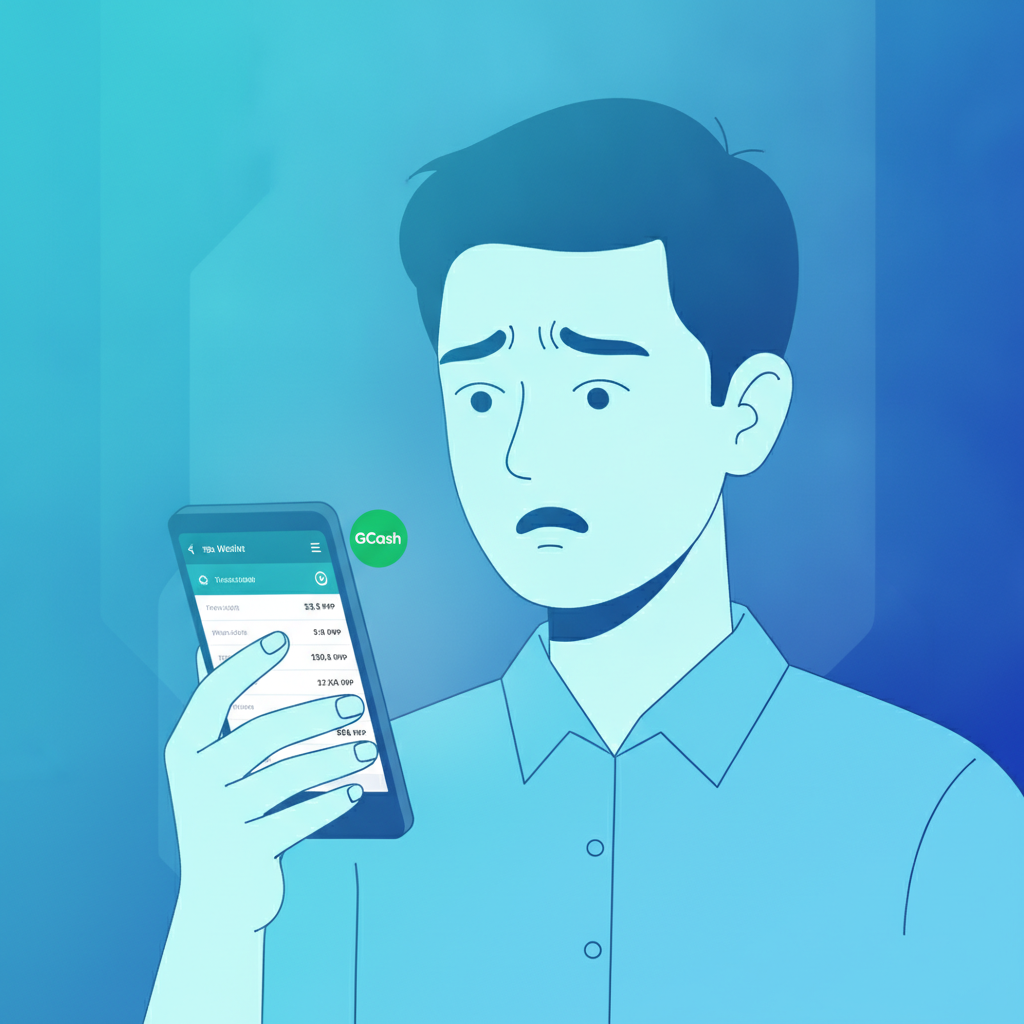
Why GCash Withdrawals from Rubyplay88 May Be Delayed
When a Rubyplay88 withdrawal to GCash does not appear in your wallet immediately, most cases resolve within the standard processing window. Payment delays usually stem from verification checks, peak-hour queues, or mismatched account details rather than technical failures. This guide walks existing Rubyplay88 players through a step-by-step checklist to locate missing GCash payouts and escalate properly if needed.
Before assuming a transaction has failed, confirm that the withdrawal request left "pending" status inside your Rubyplay88 account. If the platform still shows "processing" or "pending review," the payout has not yet been released to GCash and you should wait for internal approval to complete.
Check Your GCash Transaction History for Incoming Credits
Open the GCash app on your Android or iOS device and tap the account-activity icon (usually a clock or list symbol). Scroll through the most recent transactions to look for a "Cash In" or "Money Received" entry matching the peso amount you requested from Rubyplay88.
What to look for:
- Amount: The exact PHP value you withdrew, minus any stated fee.
- Timestamp: Transactions may post several hours after the casino releases funds, especially during evenings or weekends.
- Sender name: Incoming credits may appear under a corporate remittance name or reference code, not "Rubyplay88" itself.
If you see a matching entry, your withdrawal has arrived and no further action is required. If the transaction list shows no relevant credit, continue to the next step.
Refresh your balance: Swipe down or tap the refresh icon inside GCash. Network latency can occasionally delay the display of completed transactions even when the funds are already in your account.
Verify the GCash Mobile Number on Your Rubyplay88 Account Matches Your Wallet
A common cause of "missing" withdrawals is a small typo or outdated mobile number stored in your Rubyplay88 e-wallet settings. When the casino sends a payout to a number that does not belong to your GCash wallet, the funds cannot land in your account.
How to check:
- Log in to Rubyplay88 on your mobile browser or Android app.
- Navigate to your account profile or cashier section.
- Find the saved GCash number under payment methods or withdrawal settings.
- Compare every digit against the mobile number registered in your GCash app (visible under your profile or account info screen).
If the numbers do not match—or if you recently changed your GCash SIM or wallet number—you must update the details in Rubyplay88 before requesting a new withdrawal. Some platforms require re-verification or a waiting period after changing payment credentials.
What happens to funds sent to the wrong number:
Rubyplay88 cannot recall a completed GCash transfer. If the payout was sent to a valid but incorrect number, you will need to contact Rubyplay88 support with proof of ownership for both numbers so they can investigate. Recovery is not guaranteed and may take several business days.
Wait for the Stated Processing Window (Up to 24 Hours) Before Escalating
Rubyplay88 typically processes GCash withdrawals within a few hours, but the official service-level window can extend up to 24 hours depending on internal verification, anti-fraud checks, and payment-provider schedules. Payouts requested late at night or on weekends may queue until the next business day.
Factors that extend processing time:
- First withdrawal from the account: Initial cashouts often trigger additional identity or source-of-funds checks.
- Large amounts: Requests above PHP 5,000 or 10,000 may require manual approval.
- Incomplete verification: If Rubyplay88 has requested ID documents or selfie verification, the withdrawal will remain pending until you upload the required files.
- Peak hours: High traffic during evenings, PBA or NBA game nights, or promotional periods can slow the payment queue.
What to do while waiting:
- Check your registered email and SMS inbox for messages from Rubyplay88. The platform may have sent a verification link or document request.
- Avoid submitting duplicate withdrawal requests. Multiple overlapping cashouts can flag automated fraud filters and further delay processing.
- Do not place new bets with the expectation of "replacing" the pending withdrawal. Only wager amounts you are prepared to lose.
If 24 hours have passed since the withdrawal changed from "pending" to "approved" or "completed" in your Rubyplay88 account and you still see no GCash credit, proceed to open a support ticket.
What Info to Include in a Support Ticket: Withdrawal ID, GCash Number, Timestamp
When you contact Rubyplay88 support about a missing GCash withdrawal, provide complete details in your first message to avoid back-and-forth delays. The support team requires specific identifiers to trace the transaction through their payment processor and GCash's corporate gateway.
Essential information to include:
- Withdrawal transaction ID or reference number:
Found in your Rubyplay88 account history or cashier records. This is usually a string of letters and numbers unique to each payout request. - Exact GCash mobile number:
Provide the 11-digit Philippine number (format: 09XX XXX XXXX) registered in both your Rubyplay88 account and your GCash wallet. - Withdrawal amount in pesos:
State the precise PHP value you requested, for example "PHP 500.00." - Date and time of the request:
Note when you clicked "confirm" or "submit" for the withdrawal. Include the timezone (Philippine Standard Time) if possible. - Current status shown in your Rubyplay88 account:
Indicate whether the transaction displays as "approved," "completed," "processing," or another status. - Screenshot of your GCash transaction history:
Capture the last 24–48 hours of activity showing that no matching credit arrived. Ensure your GCash mobile number is visible in the screenshot.
Where to reach support:
- Live chat: Available through the Rubyplay88 website or Android app during operating hours (check the platform for current schedule).
- Email: Send a message to the support address listed in the Rubyplay88 footer or help section. Expect a reply within 12–24 hours on business days.
- In-app messaging: Some versions of the Rubyplay88 app include a ticket or message center under account settings.
What to expect:
The support team will review your transaction with the payment processor and GCash. Resolution typically takes one to three business days. If the payout was successfully sent on Rubyplay88's side but GCash has not credited it, the issue may lie with the e-wallet provider, and you may be asked to open a parallel inquiry with GCash customer service (dial *143# or email help@gcash.com).
Tips to Prevent Future GCash Withdrawal Issues
Keep your Rubyplay88 account details current:
Update your mobile number, email, and verification documents immediately if any of your contact information changes. Outdated records cause the majority of payout mismatches.
Use the same GCash account for deposits and withdrawals:
Many platforms require you to withdraw to the same e-wallet you used to deposit. Switching GCash numbers mid-session can trigger fraud holds.
Complete full KYC verification early:
Upload a valid government ID, proof of address, and selfie before you request your first cashout. Verified accounts experience faster approvals and fewer holds.
Avoid requesting withdrawals during maintenance windows:
Rubyplay88 and GCash occasionally schedule system updates overnight or on early weekday mornings. Check the platform's announcements or social media for maintenance notices.
Double-check the amount you request:
Ensure the withdrawal value does not exceed your available balance and falls within the daily or weekly cashout limits set by Rubyplay88.
Responsible Gaming Reminder: Never Chase Losses, 21+ Only
If a delayed withdrawal is causing frustration, resist the urge to cancel the cashout and place more bets in an attempt to recover faster or win a larger sum. Chasing losses increases risk and can lead to problem gambling behavior.
Rubyplay88 is intended for players aged 21 and over. Set deposit and loss limits that fit your budget, take breaks when gaming stops being fun, and reach out to a local support organization if you feel your play is becoming difficult to control. Gambling should remain a form of entertainment, not a source of income or a solution to financial stress.
Final Checklist
- ✅ Reviewed GCash transaction history for the past 24–48 hours.
- ✅ Confirmed the mobile number in Rubyplay88 matches the number in your GCash wallet.
- ✅ Waited at least 24 hours since the withdrawal status changed to "approved" or "completed."
- ✅ Gathered withdrawal ID, GCash number, amount, timestamp, and account-status screenshot.
- ✅ Opened a support ticket with all required details if the payout is still missing.
Most GCash withdrawal delays resolve once verification completes or the standard processing window elapses. By following this checklist, Rubyplay88 players in Metro Manila and the provinces can quickly identify the cause of a missing payout and escalate appropriately when needed.