Rubyplay88 GCash Deposit Failed: 5 Reasons & Fixes for Android Users
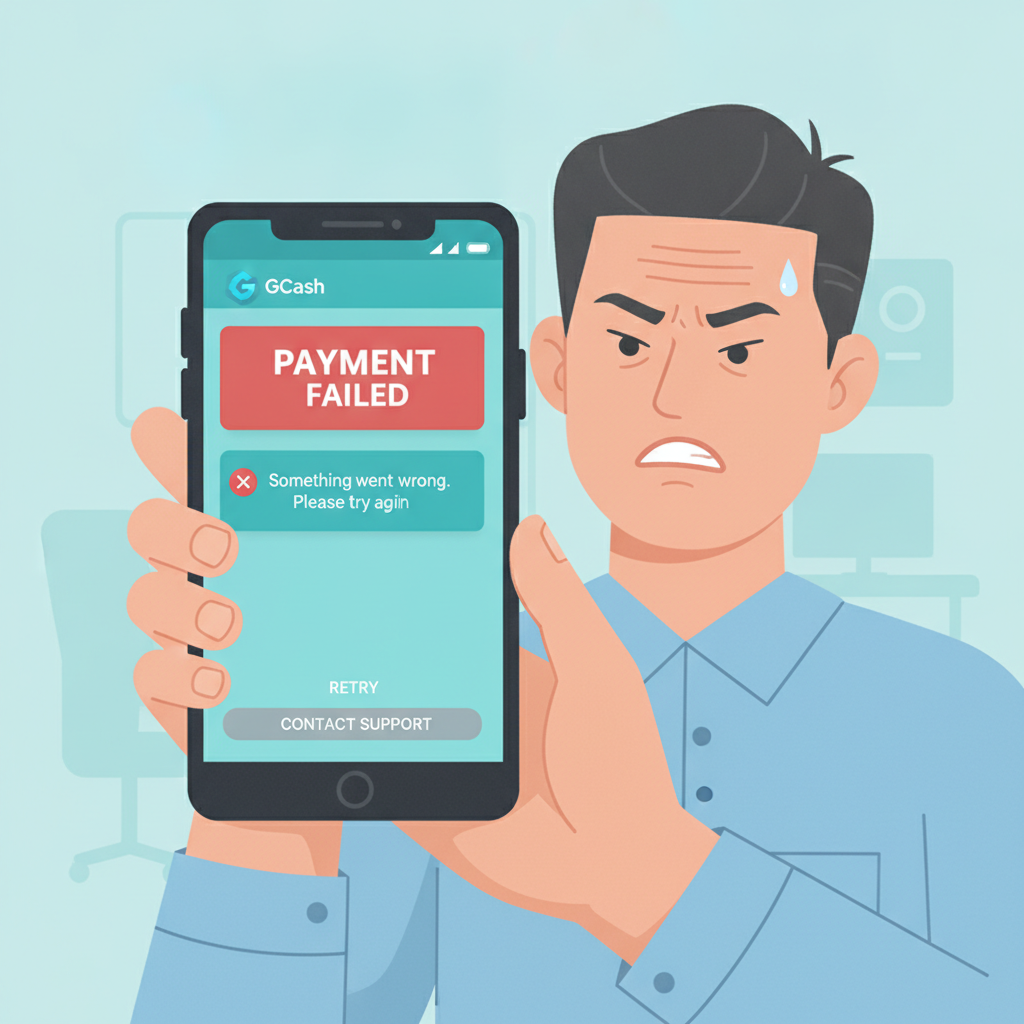
Rubyplay88 GCash Deposit Failed: 5 Reasons & Fixes for Android Users
When a Rubyplay88 GCash deposit fails on your Android phone, it usually happens right at checkout—the transaction times out, the pesos don't arrive in your casino balance, or you see a generic error message. This guide walks through the five most common causes and how to fix each one, so you can get back to slots, live dealer tables, or sports betting without losing time or money.
Important: Rubyplay88 is for players aged 21 and over. Play responsibly and only deposit what you can afford.
1. Insufficient GCash Wallet Balance or Daily Limit Reached
Why it happens
GCash sets a daily transaction limit for every verified account. Even if your wallet shows enough pesos for a PHP 200 or PHP 500 deposit, you may have already spent part of your daily limit on bills, remittances, or earlier casino deposits. Rubyplay88 will reject the deposit if GCash cannot authorize the full amount.
Unverified GCash accounts—those without a valid ID on file—have much lower monthly limits and may block casino transactions altogether.
How to check your GCash balance and limits
- Open the GCash app on your Android device.
- Tap your profile icon at the top left.
- Select My Linked Accounts > Account Limits.
- Review your remaining daily limit for cash-out and payment transactions.
If you see PHP 0 remaining, you have hit your daily cap and must wait until midnight (Philippine time) for it to reset.
How to fix it
- Wait until the next day if your limit is exhausted. GCash resets daily limits at 12:00 AM.
- Fully verify your GCash account by uploading a valid government ID in the app. Verified accounts enjoy higher transaction ceilings—typically PHP 100,000 per month—and fewer payment declines.
- Top up your GCash wallet at any 7-Eleven, via bank transfer, or through a remittance center if your balance is too low.
- Reduce your Rubyplay88 deposit amount to fit within your remaining daily limit. Instead of PHP 500, try PHP 200 or PHP 100.
2. Account Name Mismatch Between Rubyplay88 and GCash
Why it happens
Rubyplay88 compares the name on your casino account with the registered name on your GCash wallet to prevent fraud and meet compliance rules. If the two names do not match exactly—for example, your casino profile uses a nickname or shortened first name, while GCash shows your full legal name—the deposit may be declined or flagged for manual review.
How to check for a mismatch
- Open the Rubyplay88 app (or mobile site) and log in.
- Go to Profile or Account Settings.
- Note the exact spelling of your first name, middle initial, and last name.
- Open GCash and tap your profile icon.
- Compare the name displayed with the name on your Rubyplay88 account.
Even a single missing letter—like "John" vs. "John Michael"—can trigger a rejection.
How to fix it
- Update your Rubyplay88 account name to match your GCash wallet exactly. Contact Rubyplay88 support via live chat or email and request a name correction. You may need to upload a photo of your government-issued ID.
- Update your GCash account name if it is incorrect or uses a nickname. Open the GCash app, tap Help, then submit a ticket under Account Details. GCash typically requires a photo of your valid ID and a selfie for name changes.
- Once both names match, try your deposit again from the Rubyplay88 cashier page.
3. Mobile Data or Wi-Fi Connection Dropped Mid-Transaction
Why it happens
GCash deposit flows require a stable internet connection from start to finish. When you tap Confirm on the Rubyplay88 cashier page, your Android phone sends a request to GCash, waits for authentication, then returns a success or failure message. If your mobile data or Wi-Fi drops—even for two or three seconds—the handshake breaks, and the transaction times out. You may see "Payment failed" or "Network error" on your screen, but the pesos could already be deducted from your GCash wallet.
How to test your connection
- Close the Rubyplay88 app.
- Open your Android browser and visit a simple site like Google or Facebook.
- If pages load slowly or not at all, your connection is unstable.
- Run a speed test using the GCash app or a third-party tool like Fast.com to check upload and download speeds.
How to fix it
- Switch from mobile data to Wi-Fi, or vice versa. If you are on a weak 3G or congested LTE signal, try Wi-Fi at home or in a coffee shop.
- Move closer to your Wi-Fi router to boost signal strength. Walls and distance degrade Android Wi-Fi performance.
- Turn on Airplane Mode for five seconds, then turn it off. This forces your phone to reconnect and may clear temporary network glitches.
- Restart your Android phone to flush DNS and routing caches.
- Once your connection is stable, reopen the Rubyplay88 app, go to the Cashier, and attempt the GCash deposit again.
- Check your GCash transaction history (tap the inbox icon inside the GCash app) to confirm whether the previous attempt was actually charged. If you see a deduction but no credit on Rubyplay88, skip to the support section below.
4. GCash App Needs Update or Rubyplay88 Session Timed Out
Why it happens
An outdated GCash app on your Android device may lack the latest security patches or payment gateway integrations that Rubyplay88 relies on. Similarly, if you leave the Rubyplay88 cashier page open for more than a few minutes without completing the deposit, the session expires for security reasons. When you finally tap Deposit, the system rejects the stale request.
How to update the GCash app
- Open the Google Play Store on your Android phone.
- Search for GCash or tap Menu > My apps & games.
- If an update is available, tap Update.
- Wait for the download and installation to finish, then open GCash and log in again.
How to refresh your Rubyplay88 session
- Close the Rubyplay88 app completely—swipe it away from your Android Recent Apps tray.
- Clear the app cache: go to Settings > Apps > Rubyplay88 > Storage > Clear Cache.
- Reopen Rubyplay88 and log in again with your username and password.
- Navigate directly to the Cashier or Deposit page and complete your GCash transaction within two or three minutes.
Additional tips
- Keep both apps up to date by enabling automatic updates in the Play Store.
- If Rubyplay88 is not installed via an official store listing, download the latest APK from the Rubyplay88 website. Older APK files may have expired certificates or outdated payment modules.
- Avoid switching between multiple apps (like Messenger or Facebook) while depositing; this can pause the Rubyplay88 session and trigger a timeout.
5. How to Contact Support with Transaction Reference Number
If you have checked wallet balance, verified name matching, confirmed a stable connection, and updated both apps—and your Rubyplay88 GCash deposit still fails—it is time to reach out to customer support with documentation.
What you need before contacting support
- GCash transaction reference number: Open the GCash app, tap the inbox or transaction history, find the failed or pending deposit, and screenshot the full details, including the reference ID and timestamp.
- Your Rubyplay88 account username (not your password).
- Exact deposit amount in PHP and the date and time you attempted the transaction.
- Any error message shown on your Android screen—take a screenshot if possible.
How to contact Rubyplay88 support
- Live chat: Log in to the Rubyplay88 app or mobile site, tap the chat icon (usually at the bottom right), and explain the failed GCash deposit. Attach your screenshot when prompted.
- Email: Send a message to the support address listed in the Rubyplay88 app footer or website. Use a subject line like "GCash Deposit Failed – [Your Username]" and include your reference number, amount, and screenshots.
- Response time: Rubyplay88 support typically replies within a few hours during Philippine business hours. For urgent issues—like pesos deducted from GCash but not credited—mention "urgent" in your subject or opening message.
What happens next
Support will check the payment gateway logs. If the transaction was successfully received by Rubyplay88 but not yet credited, they can manually add the pesos to your casino balance. If GCash rejected the payment on their end, Rubyplay88 will advise you to contact GCash customer service for a refund or reversal.
Keep a copy of all correspondence and reference numbers until the issue is fully resolved.
21+ Responsible Gambling Reminder
Rubyplay88 is intended for players aged 21 and over. Deposit only what you can afford, set personal limits on time and money, and seek help if gambling becomes a problem. Organizations like Gambling Therapy and Betweens PH offer free, confidential support for Filipino players.
Final Checklist
Before you try another Rubyplay88 GCash deposit on your Android device, run through this quick list:
Most Rubyplay88 GCash deposit failures fall into one of these five categories. By checking balances, verifying names, ensuring a steady connection, keeping apps current, and knowing how to escalate with documentation, you can resolve the issue quickly and get back to playing slots, live dealer games, or placing your next PBA or NBA bet—all from your Android phone.